
How to Play Games Without Downloading Anything
To play games without downloading anything, open a browser game site, pick a game and press Play: HTML5 games run inside your web browser, so there is nothing to install. All you need is an up-to-date browser on a phone, tablet or computer.
Updated November 18, 2026
The games

Golf Battle
▶ 8
1. Mini golf played with the mouse on a computer, made for casual players on mobile or PC.
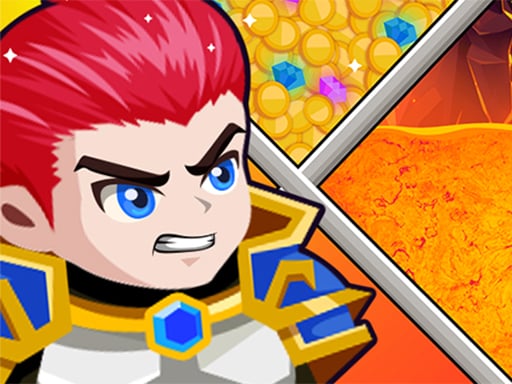
Hero Rescue Puzzle
▶ 1
2. Clear the sticks to save the princess, beat the goblins and grab the treasure, all with the mouse.
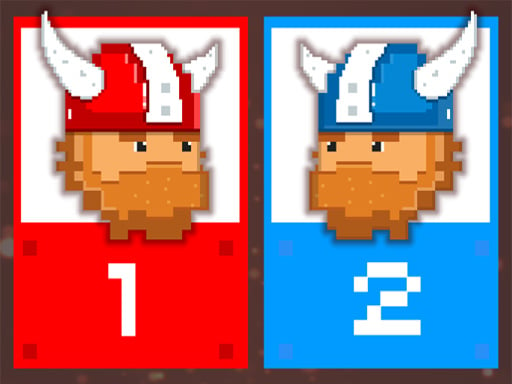
12 MiniBattles
▶ 4
3. Twelve one-button mini games for two people on one device: player 1 uses A, player 2 uses L.
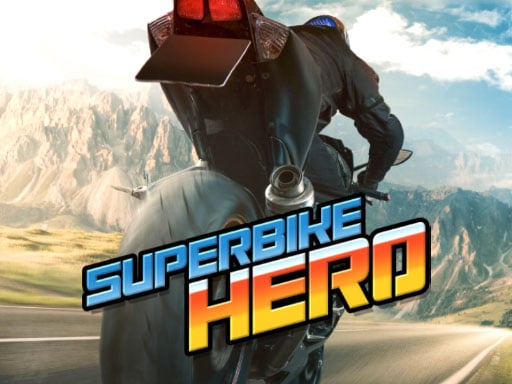
Superbike Hero
▶ 1
4. Motorbike series racing: steer with arrows or WASD on a computer, or by touch on a phone.
How browser games work
Modern browser games are built with HTML5, the same web technologies used by ordinary websites (HTML, JavaScript and WebGL for graphics). When you press Play, your browser downloads the game's files temporarily, the same way it loads images on a web page, and runs them inside the page. Nothing is installed on your device, and when you close the tab the game is gone.
That is very different from old Flash games, which needed a plug-in, and from app-store games, which you install on your device.
What you need
- A modern browser: Chrome, Edge, Firefox or Safari, kept up to date.
- An internet connection: the game loads when you open it. Bigger 3D games take a few seconds longer.
- Nothing else. No account, no plug-in, no launcher.
Phone or computer?
Most HTML5 games work on both. On a computer you usually play with the mouse or keyboard; on a phone you tap and swipe. Some games are designed for keyboards (for example, two players sharing one keyboard), and some game pages say a game plays best on a computer. On a phone, landscape games are much easier if you rotate the screen.
Why some games show an ad first
Free browser games are paid for by advertising. Many games show a short ad before they start or between levels; the ad comes from the game's distributor, not from your device. Waiting a few seconds is normal. If an ad ever asks you to install something to keep playing, close it: a browser game never needs an install.
Fullscreen
Most games have a fullscreen button, and on Playplim there is one on the game page. Fullscreen hides the browser bars so you see more of the game. Press Esc on a computer, or use your phone's back gesture, to leave it.
Saving progress
Browser games usually save progress in your browser, using the site's local storage. That means:
- Your progress stays on that device and that browser.
- Playing on another phone or in another browser starts fresh.
- Clearing your browsing data or site data can reset your progress, and private or incognito windows normally forget it when you close them.
When a game won't load
- Refresh the page and press Play again. Temporary network hiccups are the most common cause.
- Wait for the ad to finish. Some games show a dark screen while an ad loads.
- Check your blockers. Very aggressive ad or script blockers can stop the game itself from loading. Try pausing them for the site.
- Try another browser, or update the one you use.
- Close other heavy tabs, especially on older phones.
If nothing works, the game itself may be having trouble. Pick another one and try again later.
A few games to start with
Not sure where to begin? Golf Battle is mini golf you play with the mouse or a finger, Hero Rescue Puzzle is a rescue puzzle about saving a princess, 12 MiniBattles is a party game for two people on one device, and Superbike Hero is a motorbike racer that you can steer by touch on a phone. For a bigger list, see our picks of the best free racing games or browse puzzle games.
Frequently asked questions
Do browser games install anything on my device?
No. HTML5 games run inside the browser tab; the files are loaded temporarily like any web page and nothing is installed.
Why did my progress disappear?
Most browser games save in your browser's site storage. Clearing browsing data, using a private window or switching browser or device starts the game fresh.
Do I need an account to play?
No. You can play the games on Playplim without signing up or logging in.
Why is the game screen black?
Often an ad is loading before the game. Wait a few seconds; if it stays black, refresh the page or try another browser.